Your databases, in one local-first workspace
KamehaDB is a cross-platform desktop GUI for SQL, document, cache, vector, and ledger systems — built with AI in, not bolted on. Runs entirely on your machine.
█Free. Local. Yours.
Four principles. No asterisks.
100% Free & Open Source
No subscriptions, no premium tiers, no telemetry. The full source is on GitHub under Apache-2.0.
Local-First & Private
Connections, credentials, query history, and chat logs stay on your machine. We have no servers — there is nowhere for your data to go.
Bring Your Own AI
OpenAI, Ollama (local + cloud), 9router — pick the model that fits your workflow, or skip AI entirely.
Open Standards
Pure SQL, MongoDB aggregation pipelines, Redis protocol. No proprietary query language, no migration lock-in.
Every engine, one workspace
12 databases — SQL, document, cache, vector, and ledger — with feature matrices and Docker snippets
Just say what you need
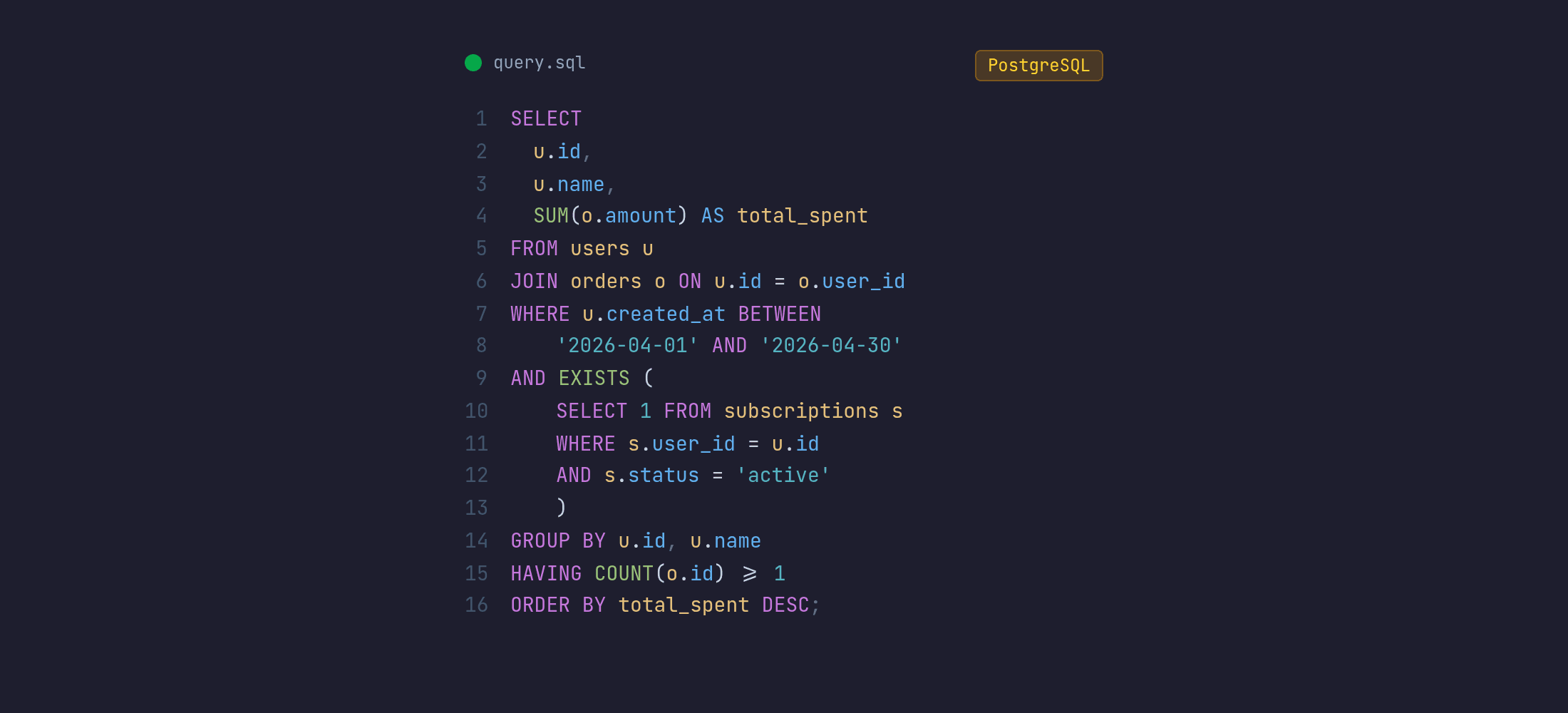
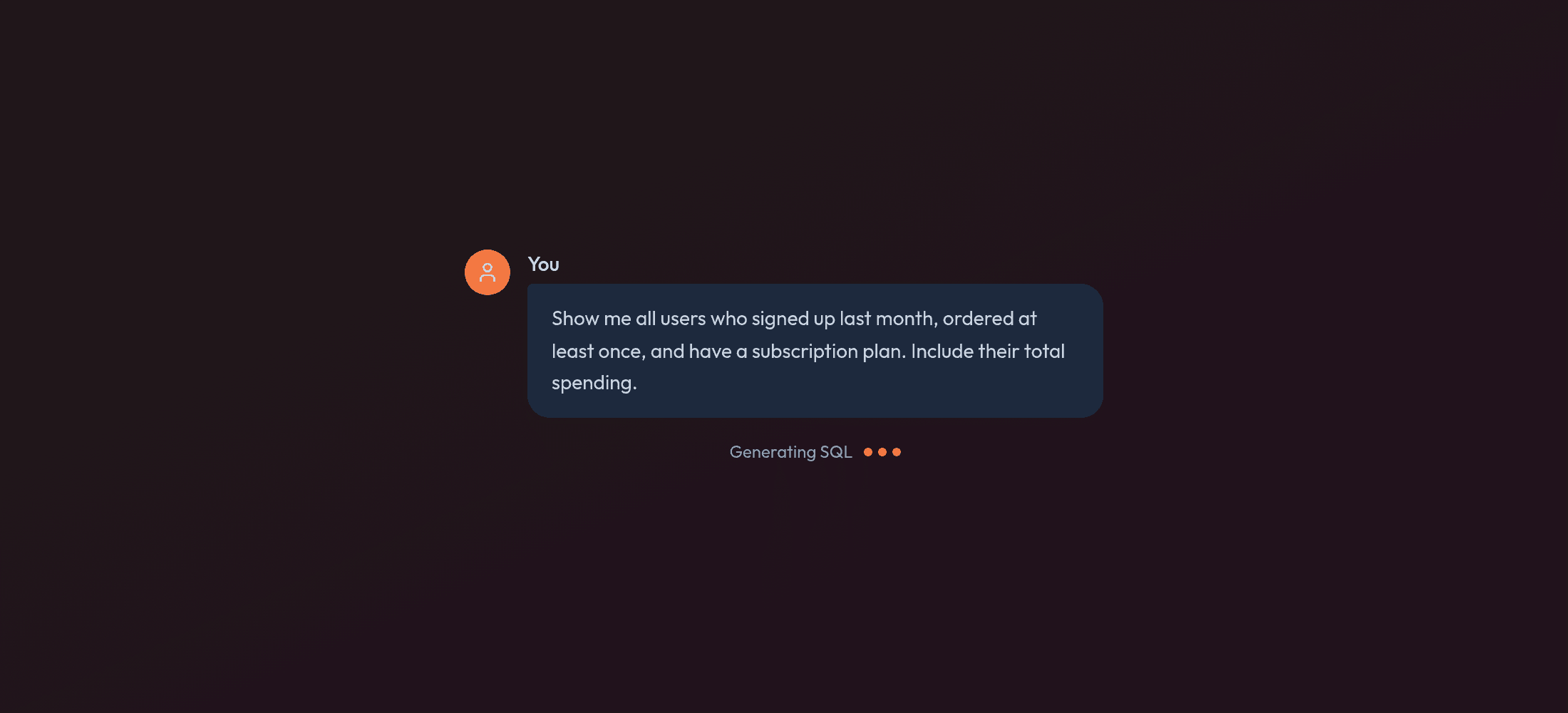
Describe your intent in plain English. KamehaDB writes the SQL for you.
Everything you need
Powerful features to streamline your database workflow
One workspace, 12 engines
Relational, document, cache, vector, and ledger systems in a single desktop app. Browse schemas, collections, keyspaces, points, and accounts side by side.
AI that knows your schema
Describe what you want in plain English. The assistant reads your real DDL, indexes, and constraints to generate SQL, MongoDB pipelines, Redis commands, and Qdrant searches.
Global search — Ctrl+K
Fuzzy-find any connection, table, column, or open tab. Jump into a query, a stats page, or the AI chat without leaving the keyboard.
Contextual AI chat
Persistent history per connection, streamed responses, and a Run button to execute the SQL the assistant writes. Bring your own OpenAI, Ollama, or 9Router.
Read-only MCP server
Point Codex, Claude Code, Devin CLI, or OpenCode at a loopback MCP endpoint. KamehaDB provisions a database-scoped read-only account and stores its credential in your OS Keychain.
Schema timeline, diff & migration
Capture snapshots on demand, compare schemas side by side with per-table change cards, and generate the DDL to migrate from one state to the next — without writing ALTER TABLE by hand.
Built-in charts
Turn any query result or Mongo collection into bar, line, area, or pie charts. Histograms, aggregates, and time series without exporting to a notebook.
Query history with favorites
Normalized query history per connection, grouped by pattern with duration stats. Star the ones you reach for every day; reuse, fork, and rerun in one click.
Engine-native tooling
PostgreSQL stats, MongoDB explorer with chart view, Redis key browser, Qdrant 3D vector map, TigerBeetle accounts/transfers — purpose-built screens for each engine.
See your schema, visualized
Animated ER diagram from bundled sample data — tables slide in, FK lines draw on scroll
Get started in minutes
Install KamehaDB and connect to your first database in under 2 minutes. Works on macOS, Windows, and Linux.
Download the app
Available for macOS, Windows, and Linux
Add your connection
PostgreSQL, MySQL, MariaDB, SQLite, SQL Server, Oracle, ClickHouse, DuckDB, MongoDB, Redis, Qdrant, or TigerBeetle
Start exploring
Browse schemas, run queries, and chat with AI